# Encrypted Token
Aiming for greater security in the transmission of sensitive data, a flow was implemented in which we insert the data through an API that returns an encrypted token, thus directing to a URL that does not display sensitive data, performing the biometrics using these previously inserted data as parameters. This token can be used only once, expiring after its use, and a maximum time for its use can be defined.
### Parameters
As an API parameter, the client must provide the client ID, the user's identification document, the user's name (optional), the redirect type (optional) and the redirect URL (optional).
| Parameter | Example |
| ---------------------------- | ------------------------------------------------- |
| Client ID | “30af224e-9od5-40eb-00f9-b2a7d2081a59” |
| User identification document | 12345678920 (CPF); 12345678-9 (RG); Or 1234 (ID) |
| User name (optional) | “Bruno Mota” |
| Redirect type (optional) | "hook" (for webhook) or "redirect" (for redirect) |
| redirect URL (optional) | "" |
JSON example:
```json
{
"id": "3fa85f64-5717-4562-b3fc-2c963f66afa6",
"date_insert": "2024-06-27T12:14:07.889Z",
"id_client": "30af224e-9od5-40eb-00f9-b2a7d2081a59",
"document": "12345678920",
"name": "Bruno Mota", #optional
"redirect_type":"hook", #optional
"url":"https://linkteste.com" #optional
}
```
### Prerequisites
#### Enable token authentication
To use the token, it is necessary to enable the feature in the portal according to the step-by-step:
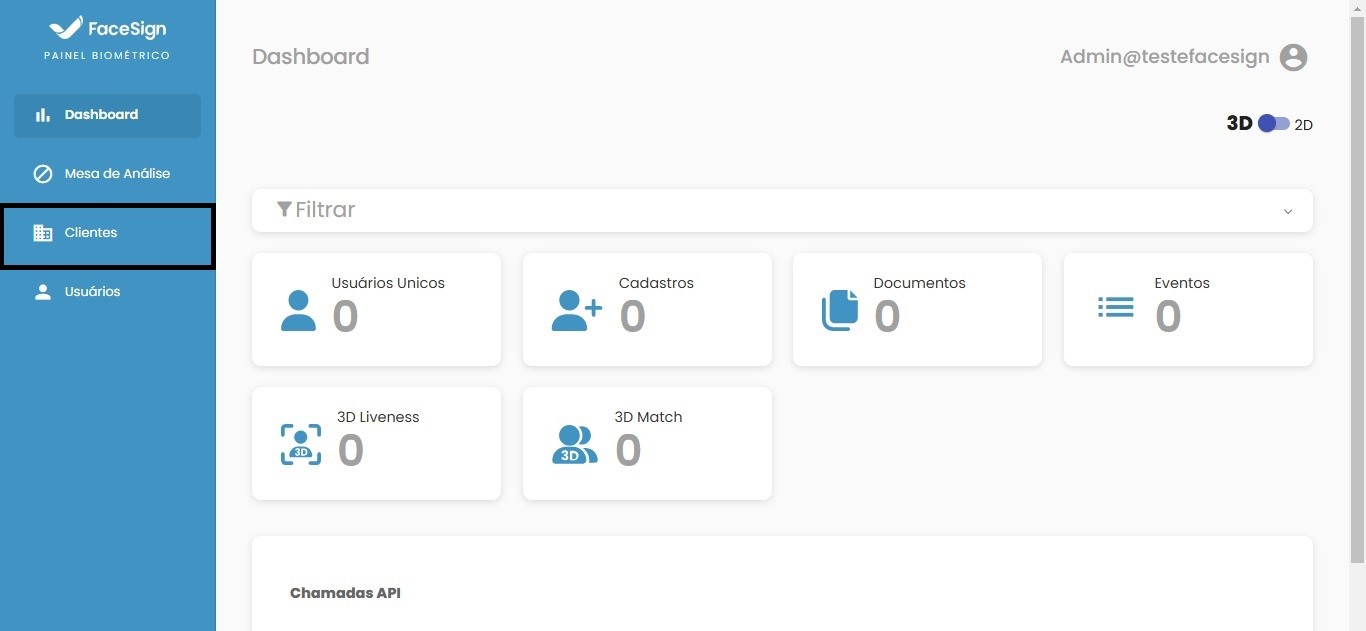
**Step 1**
On the home screen, access the "Clients" tab of the portal:
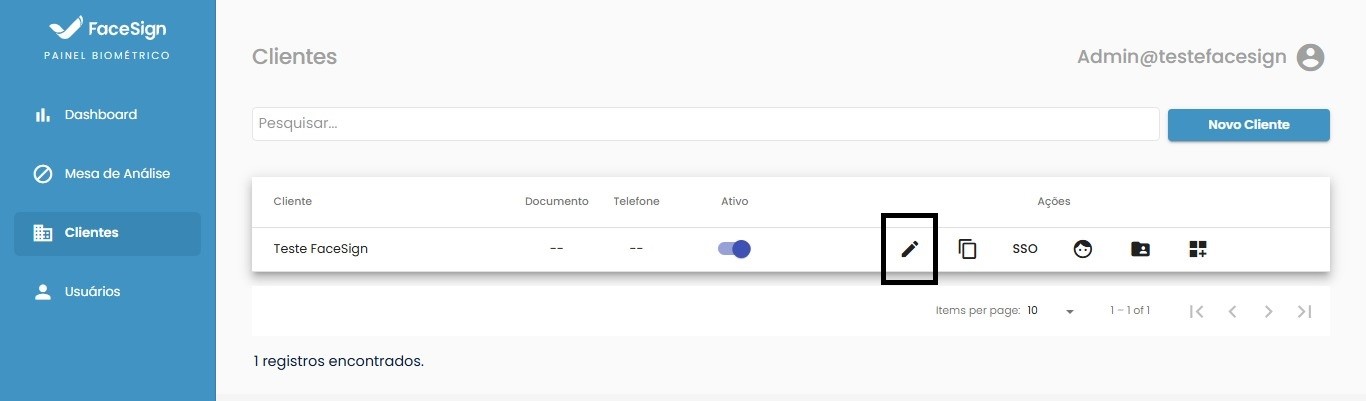
**Step 2**
Search for the desired profile and click edit:
**Step 3**
Access the features tab:
**Step 4**
Enable the "Authenticate by token only?" function :
**Step 5**
Select how the token expires:
Select how the token expires and save the changes:
* Expire only when used - In this configuration the token will be valid as long as it is not used.
* Set time for expiration (in Minutes) - In this configuration, the token expires after the configured time; if used within the configured time, it will lose validity; tokens are always single-use.
### Client ID
After enabling token authentication, the client must provide the client ID:
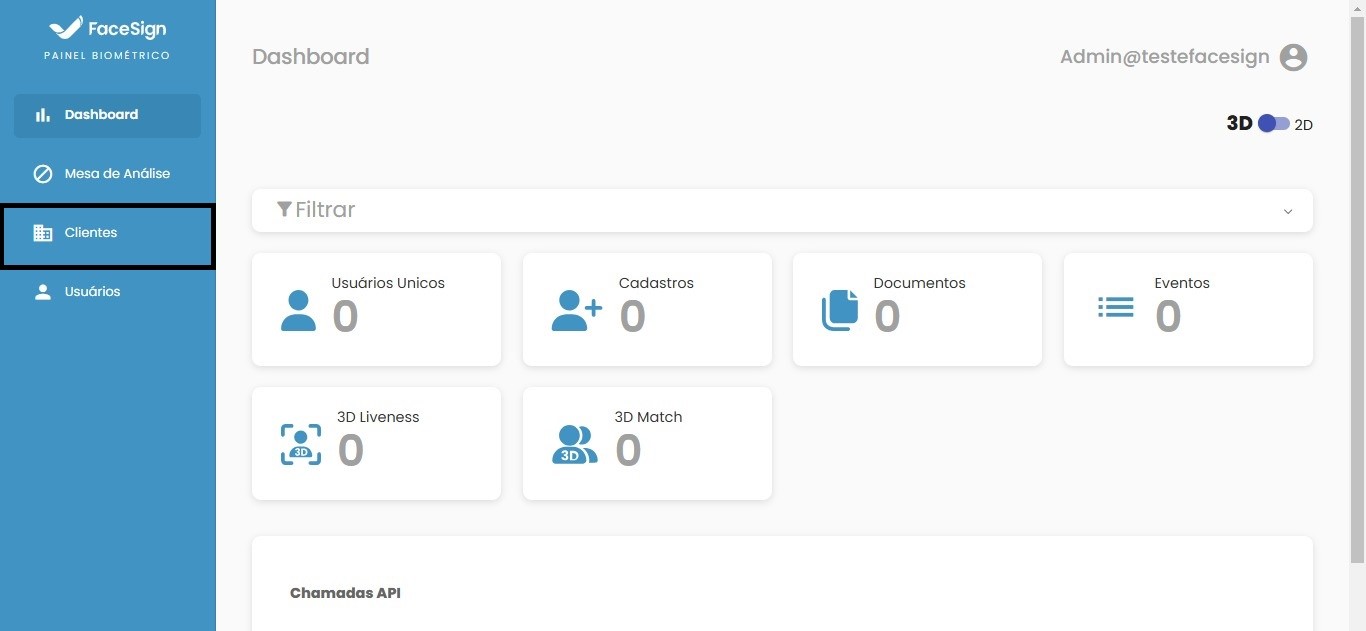
**Step 1**
Access the clients tab again:
**Step 2**
Search for the desired profile and click edit:
**Step 3**
On the "Company" tab, copy the ID in "Identification":
### Usage
The token request will be made via API
* The request will be by the POST method;
* Parameters must be sent in the request body as exemplified in Parameters;
* The application's callback will be a JSON with a "token" parameter which is a complete URL directed to perform the registration/match of the user referenced in the *document* field of the request and an id parameter, which is a *hash* containing the information sent to the API, ready to replace the "clientUserId" parameter in the URL.
### API Response
* Status 200 - Successful Response;
* JSON - Schema:
```json
{
"token":"https://app.facesign.in/sso/5d62b3c7-9bc5-4240-9e55-1e5c35fe71bd/4da69d01-9f37-4718-8835-9cea80553fe5",
"id": "4da69d01-9f37-4718-8835-9cea80553fe5"
}
```
### Non-editable Data Review Screen
To improve the user experience, when authentication is performed by token the data review screen displays the submitted data (only CPF and Name) without the possibility of editing, only confirmation or cancellation.